If you’ve come across DND on Snapchat, whether as a setting inside the app or as a caption on someone’s story, you might be wondering exactly what it refers to and how it actually works. Unlike a lot of texting slang that exists purely as shorthand between friends, DND on Snapchat carries a bit of extra nuance because it’s tied to a real, builtin feature as well as a casual expression people use in their captions. This dual meaning is part of why the term causes confusion, since the same three letters can refer to an actual notification setting or simply a mood someone is expressing to their friends. In this guide, we’ll break down exactly what DND means on Snapchat, how the Do Not Disturb feature actually works behind the scenes, what it means when used as a story caption, how to turn it on or off on both iPhone and Android, and whether your friends can tell when you’ve activated it. Read more articles about Snapplanets.
What Does DND Mean on Snapchat?
DND is an abbreviation that shows up in two related but slightly different ways on Snapchat, and understanding both helps clear up most of the confusion around the term.
DND Full Form Explained
DND stands for Do Not Disturb, a phrase that originally comes from phone and device settings designed to silence notifications during certain times, such as while sleeping, working, or simply wanting a break from constant alerts. On Snapchat specifically, this same concept applies, either through the app’s own notification controls or through your phone’s system level settings that affect how Snapchat notifications reach you.
- Stands for Do Not Disturb
- Originally a phone and device notification setting
- Applies to reducing or silencing incoming alerts
- Can refer to Snapchat’s own settings or phonelevel settings
- Used to describe a temporary break from notifications
- Doesn’t delete or block messages, only delays alerts
- Common across nearly every major messaging and social app
- Understood the same way whether typed casually or set officially
Is DND an Official Snapchat Feature or Just Slang?
This is where things get a little more layered: DND is not a single, dedicated toggle built directly inside the Snapchat app under that exact name, but it functions through a combination of your phone’s system level Do Not Disturb settings and Snapchat’s own notification permissions, while also being used casually as slang in captions.
- Not a single dedicated toggle inside the Snapchat app itself
- Works through your phone’s system level Do Not Disturb settings
- Also controlled through Snapchat’s app notification permissions
- Frequently used casually as a caption rather than a setting reference
- Both meanings are valid depending on how it’s being used
- Confusion often comes from mixing up the two different uses
- Official Snapchat support content addresses both angles
- Context around the word usually clarifies which meaning applies
How Does Not Disturb Work on Snapchat?
Since Snapchat doesn’t have one single isolated DND button, it’s worth understanding how notifications are actually managed through the combination of phone settings and app permissions.
What Happens When DND Is On
When Do Not Disturb is active, whether through your phone’s system settings or a Focus Mode that includes Snapchat, incoming notifications from the app are silenced or held back, meaning you won’t see popups, hear sounds, or feel vibrations for new snaps and messages until DND is turned off.
- Notifications are silenced rather than deleted entirely
- No popup alerts, sounds, or vibrations while active
- Snaps and messages still arrive, just without alerts
- You’ll see them once you open the app manually
- Doesn’t log you out or restrict app access in any way
- Can apply to all notifications or just select ones
- Works similarly whether triggered by phone or app settings
- Reverses automatically once Do Not Disturb is turned off
What Notifications Still Come Through
Depending on how your settings are configured, some notifications may still break through Do Not Disturb, particularly if certain contacts or notification types are marked as exceptions or time sensitive.
- Notifications marked time sensitive may still appear
- Contacts added as Focus Mode exceptions can break through
- Repeated calls or urgent alerts sometimes bypass DND
- Regular snaps and chats are typically fully silenced
- Group chat activity is treated the same as individual chats
- Snap Map updates are usually unaffected by DND settings
- Exceptions depend entirely on how you’ve configured Focus Mode
- Reviewing your settings helps avoid unexpected interruptions
View more articles :
- What Does Media Upload Mean on Snapchat
- Can You Have Multiple Yellow Hearts on Snapchat
- How Do I Know If Someone Blocked Me on Snapchat
- How to Delete Stickers on Snapchat
- What Does a Yellow Heart Mean on Snapchat
- How to Unpin Someone on Snapchat
- What Does the Green Dot Mean on Snapchat
- How to Allow Camera Access on Snapchat
- What Does Time Sensitive Mean on Snapchat
- What Does Followers Mean on Snapchat
What Does DND Mean on a Snapchat Story?
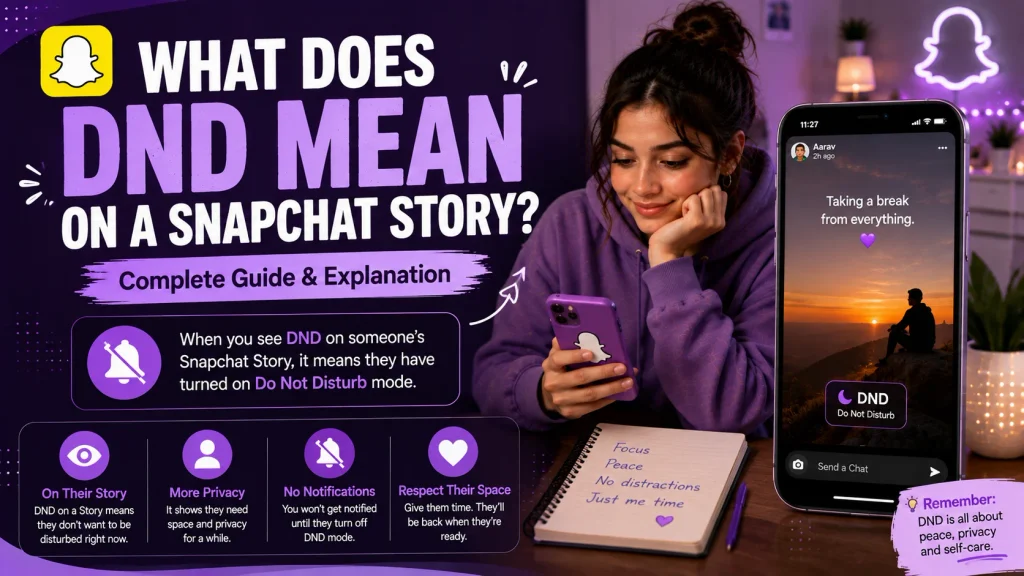
Beyond the technical notification setting, DND is also frequently used as a caption on Snapchat stories, where it carries a more casual, expressive meaning.
DND as a Caption on a Story
When someone posts DND as a caption on their Snapchat story, they’re typically signaling to friends that they’d prefer not to be contacted right now, whether because they’re busy, need space, or simply aren’t in the mood for conversation.
- Signals a preference not to be contacted right now
- Often posted when someone is busy, tired, or overwhelmed
- Can indicate needing personal space or quiet time
- Doesn’t necessarily mean their actual settings are enabled
- Works as a quick, public way to set expectations with friends
- Avoids needing to explain the reason to each person individually
- Common during exams, work deadlines, or personal stress
- Sometimes paired with a simple photo or blank background
Why People Post It Instead of Using Settings
Posting DND as a caption is often faster and more visible than adjusting individual notification settings, since it communicates the message to an entire friend group at once rather than requiring each person to be told separately.
- Reaches an entire friend group with one single post
- Faster than explaining the situation to each person individually
- Doesn’t require actually changing any phone or app settings
- Serves as a social signal rather than a technical action
- Often used alongside genuinely enabling Do Not Disturb too
- Reduces the number of check in messages someone might receive
- Seen as a polite, loweffort way to set boundaries
- Common among students and young professionals especially
How to Turn On DND / Do Not Disturb on Snapchat
If you want your Snapchat notifications to actually be silenced rather than just posting about it, you’ll need to adjust either your phone’s settings or the app’s notification permissions directly.
Steps on iPhone
On iPhone, enabling Do Not Disturb for Snapchat typically involves using Focus Mode, which lets you control exactly which apps and contacts can send notifications while it’s active.
- Open iPhone Settings and tap on Focus
- Select Do Not Disturb or create a custom Focus Mode
- Tap on Apps and choose which apps are allowed through
- Remove or exclude Snapchat if you want it fully silenced
- Turn on the Focus Mode from your Control Center or Settings
- Confirm Snapchat notifications no longer appear as expected
- Adjust allowed contacts if you want select exceptions
- Turn off Focus Mode manually when you’re ready for alerts again
Steps on Android
On Android, the process is similar but happens through your phone’s Do Not Disturb settings, which can also be customized to include or exclude specific apps like Snapchat.
- Open your phone’s Settings app
- Navigate to Sound or Notifications settings
- Select Do Not Disturb from the available options
- Adjust app exceptions to include or exclude Snapchat
- Turn on Do Not Disturb mode from the quick settings panel
- Set a schedule if you want it to activate automatically
- Confirm Snapchat notifications are silenced as intended
- Turn off Do Not Disturb when you’re ready to receive alerts
How to Turn Off DND on Snapchat
Just as easily as turning it on, disabling Do Not Disturb restores your Snapchat notifications back to normal once you’re ready to be reachable again.
Steps on iPhone
Turning off Do Not Disturb on iPhone simply means deactivating whichever Focus Mode you had enabled, allowing Snapchat notifications to come through as usual.
- Open Control Center or Settings on your iPhone
- Tap on the active Focus Mode currently enabled
- Toggle the Focus Mode off completely
- Confirm Snapchat notifications begin appearing again
- Check individual app notification settings if issues persist
- Restart the app if notifications don’t return immediately
- Review Focus Mode schedules to prevent accidental reactivation
- Adjust settings permanently if you prefer them always off
Steps on Android
On Android, turning off Do Not Disturb follows the reverse of the setup process, restoring full notification access for Snapchat and any other affected apps.
- Open your phone’s quick settings panel
- Tap the Do Not Disturb icon to disable it
- Alternatively, go back into Settings and turn it off there
- Confirm Snapchat notifications resume as expected
- Remove any scheduled Do Not Disturb periods if unwanted
- Restart the Snapchat app if notifications seem delayed
- Double check app specific notification permissions are enabled
- Test with a friend to confirm alerts are working properly
Can People Tell If You Have DND On?
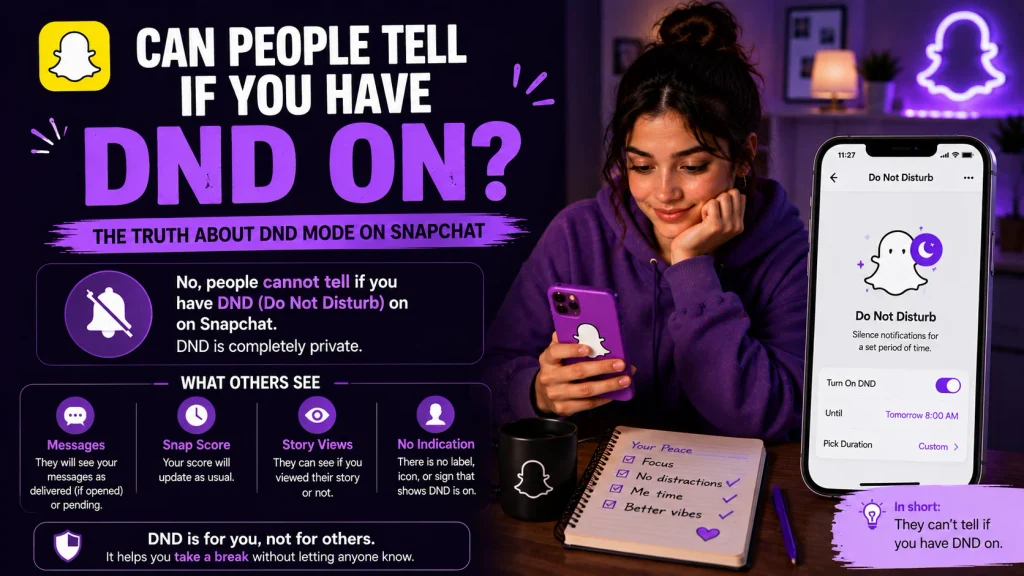
A common question people have is whether turning on Do Not Disturb reveals anything to their friends or changes how their account appears to others.
What Friends See on Their End
In most cases, friends cannot tell whether you have Do Not Disturb enabled on your end, since it only affects how notifications reach your device rather than changing anything visible on their side of the conversation.
- Friends see no visible indicator that DND is active
- Messages and snaps still send and deliver normally
- No special icon or label appears on their end
- Read receipts and delivery status remain unaffected
- Your account activity appears completely normal to them
- Only you experience the silenced notifications directly
- Friends may notice a delayed reply, but not the cause
- Posting DND as a caption is the only way they’d know directly
Does It Affect Snap Streaks or Snap Map?
Enabling Do Not Disturb does not affect your Snap streaks or your visibility on Snap Map, since those features operate independently of your notification settings and continue functioning normally in the background.
- Snap streaks continue as long as snaps are still exchanged
- DND does not pause or reset any active streaks
- Snap Map location sharing remains unaffected by DND
- Friends can still see your location if sharing is enabled
- Notification silencing has no impact on app functionality
- Only alert delivery is affected, not underlying activity
- You may simply need to open snaps later to maintain streaks
- Turning off DND has no retroactive effect on missed alerts
DND Meaning Outside of Snapchat
Since DND isn’t unique to Snapchat, it’s worth understanding how the same abbreviation is used more broadly across texting and other platforms.
DND in Texting and General Slang
In everyday texting, DND is used the same way it’s used on Snapchat captions, as a quick way of telling someone you don’t want to be disturbed right now, without needing to explain further.
- Common shorthand across texting and messaging apps
- Signals a general desire not to be contacted
- Used the same way across most social platforms
- Doesn’t require further explanation to be understood
- Occasionally used humorously rather than seriously
- Recognized broadly enough to rarely cause confusion
- Sometimes followed by a reason once someone asks
- Fits naturally into fast, casual conversation styles
DND on Phones and Other Apps
Beyond Snapchat, DND is a standard feature built into most smartphones and messaging apps, including iMessage, WhatsApp, and Instagram, all of which use similar notification/silencing systems.
- Standard feature across most modern smartphones
- Found in apps like iMessage, WhatsApp, and Instagram
- Functions similarly across each platform’s settings
- Usually controlled through phonelevel Focus or DND modes
- Doesn’t require learning new settings for each individual app
- Helps confirm the concept isn’t unique to Snapchat specifically
- Makes troubleshooting easier since the fix is usually systemwide
- Reinforces that DND is a universal notification concept
Common DND Issues on Snapchat and How to Fix Them
Even after adjusting your settings correctly, some users run into situations where Do Not Disturb doesn’t behave exactly as expected on Snapchat.
Notifications Still Coming Through With DND On
If notifications are still appearing despite Do Not Disturb being active, it’s usually related to how exceptions or time sensitive settings have been configured, rather than the feature failing outright.
- Check if Snapchat is listed as an allowed app exception
- Review time sensitive notification settings for the app
- Confirm the correct Focus Mode is actually active
- Restart your phone to refresh notification settings
- Update Snapchat if the app version is outdated
- Check for conflicting settings between phone and app
- Disable and reenable Focus Mode to reset the behavior
- Contact support if the issue continues after these steps
Notifications Not Returning After Turning DND Off
On the other hand, some users find that notifications don’t fully return right away even after disabling Do Not Disturb, which is typically a temporary syncing issue rather than a permanent problem.
- Restart the Snapchat app after disabling DND
- Restart your phone to refresh notification permissions
- Check that notifications are still enabled within Snapchat
- Confirm your phone’s Do Not Disturb is fully turned off
- Look for any scheduled Focus Modes that may reactivate it
- Update the app if notification bugs persist
- Test with a friend sending a snap to confirm delivery
- Allow a few minutes for servers to sync changes properly
Conclusion
DND on Snapchat carries two closely related meanings: it refers to the Do Not Disturb functionality controlled through your phone’s settings, and it’s also commonly used as a casual story caption to signal that someone would rather not be contacted right now. Whether you’re trying to actually silence your notifications through Focus Mode or Android’s Do Not Disturb settings, or you’re simply trying to understand what a friend meant by posting DND on their story, the underlying idea stays the same: a temporary pause from being reachable. Now that you understand how it works, how to enable or disable it, and what your friends can and can’t see, you can use DND on Snapchat exactly the way it’s intended.
What does DND mean on Snapchat?
DND stands for Do Not Disturb, referring either to silenced notifications through phone settings or a casual caption signaling someone doesn’t want to be contacted.
What does DND mean on a Snapchat story?
As a story caption, DND usually means the person wants space or doesn’t want to be messaged right now, without needing to explain the reason individually.
Does DND on Snapchat block notifications completely?
Not entirely most notifications are silenced, but some marked as time sensitive or from allowed contacts may still come through depending on your settings.
Can people tell if I turned on DND?
No, friends can’t tell from their end since it only affects how notifications reach your device, not how your account appears to them.
Pingback: Can You Have Multiple Yellow Hearts on Snapchat