If you’ve noticed the words time sensitive showing up on a Snapchat notification and wondered what it actually means, you’re not the only one. It’s a label that confuses a lot of users, especially since it sounds like it could mean something urgent, personal, or even related to being tracked. In reality, the explanation is much simpler and tied to how your phone’s operating system handles notifications rather than anything Snapchat itself is doing behind the scenes. This confusion shows up constantly across Reddit threads, support forums, and social media comment sections, where users share screenshots asking the same basic question in slightly different ways. In this guide, we’ll break down exactly what time sensitive means on Snapchat, why you’re seeing it on notifications and messages, how it works differently on iPhone and Android, and how to turn it on or off depending on your preference. Read more articles about Snapplanets.
What Does Time Sensitive Mean on Snapchat?
Time sensitive is a notification category, not a Snapchat-specific feature. It exists at the operating system level and is used to flag notifications that the system considers more urgent or immediate than a regular alert.
The Basic Definition
On Snapchat, a time sensitive label simply means that your phone’s operating system has classified that particular notification as important enough to break through certain notification settings, such as Focus Mode or Do Not Disturb. It doesn’t mean the content of the snap or message is more urgent than usual, and it doesn’t reveal any extra information about the sender.
- Refers to a notification priority level, not message content
- Set by the phone’s operating system, not by Snapchat directly
- Allows the notification to bypass Focus Mode or silent settings
- Doesn’t indicate anything special about who sent it
- Applies to notifications, not the actual snap or chat itself
- Can appear on both snaps and direct messages
Why Snapchat Uses This Label
Snapchat uses the time sensitive notification category because Apple and Android both allow apps to mark certain notifications as more important, ensuring users don’t miss messages that might need a faster response. Snapchat applies this label to some notifications so they’re less likely to get buried under Focus Mode or silenced alerts.
- Helps ensure certain notifications aren’t missed
- Works within Apple’s and Android’s notification frameworks
- Lets Snapchat notifications bypass some silent modes
- Doesn’t mean Snapchat is monitoring your activity
- Applied automatically based on system rules
- Consistent with how other messaging apps use this label
What Does a Time Sensitive Notification Look Like on Snapchat?
The way this label appears can differ depending on whether you’re using an iPhone or an Android device, since each operating system displays notification categories slightly differently.
On iPhone
On iPhone, a time sensitive Snapchat notification usually shows a small Time Sensitive tag directly above or below the notification banner, along with the sender’s name and a preview of the snap or message. This is part of Apple’s iOS notification system introduced to help important alerts stand out.
- Appears as a small label above the notification banner
- Tied to Apple’s iOS notification interruption levels
- Lets the notification appear even during Focus Mode
- Shown in the same style across many different apps
- Doesn’t change how the snap or chat itself looks
- Can be adjusted in iPhone notification settings
On Android
On Android, the presentation is less standardized since it depends on the phone manufacturer and Android version, but time sensitive notifications generally appear as a slightly higher-priority alert that may bypass certain silent or Do Not Disturb modes, similar to the iPhone experience.
- Appearance varies by phone brand and Android version
- May bypass Do Not Disturb depending on system settings
- Sometimes shown with a priority or urgent notification style
- Less commonly labeled explicitly compared to iPhone
- Still tied to notification permission settings in the app
- Can usually be adjusted from the phone’s notification settings
View more articles :
- What Does the X Mean on Snapchat?
- How to Tell If Someone Has Snapchat Plus
- What Do the Planets Mean on Snap
- Is Snapchat Shutting Down
- Snapchat Memories Storage
- What Does the Purple Circle Mean on Snapchat
- What Does NRS Mean on Snapchat
- How to Delete Avatar in Snapchat
- What Does HRU Mean in Text
Why Are You Getting Time Sensitive Notifications on Snapchat?
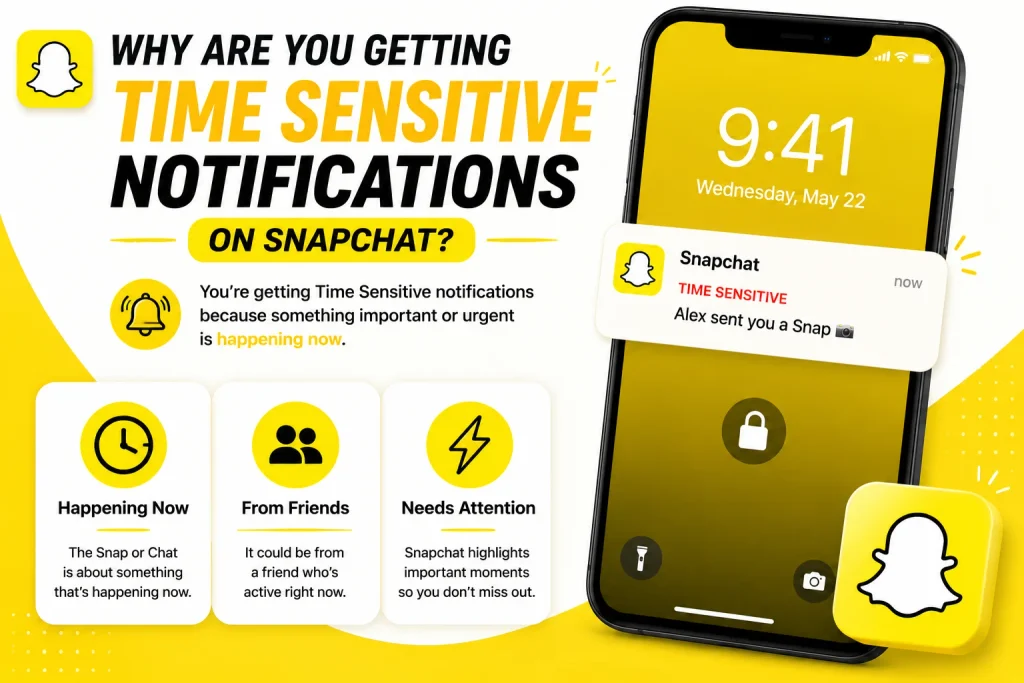
There are a few common reasons this label might start showing up, and most of them are tied to how often you interact with the app and certain built-in features.
Common Triggers (Streaks, Snaps, Messages)
Time sensitive notifications on Snapchat are often triggered by things like an active streak that’s about to expire, a new snap from a close friend, or an unread message that’s been waiting for a while. These are the kinds of alerts Snapchat is more likely to flag as important.
- Streaks that are close to expiring
- New snaps from friends you interact with often
- Unread chat messages waiting for a reply
- Snap map location updates in some cases
- Group chat activity involving your close friends
- Notifications tied to limited-time features or events
Is It Related to Focus Mode / iOS Settings?
Yes, in many cases, the time sensitive label becomes especially relevant when Focus Mode is turned on, since it’s one of the main reasons Apple introduced this notification category in the first place. If Focus Mode is off, you may not notice the label as often, even though the notification is still technically categorized that way.
- Most noticeable when Focus Mode or Do Not Disturb is active
- Introduced by Apple specifically for Focus Mode scenarios
- Allows selected apps to break through silent settings
- Can be customized per app in iPhone Focus settings
- Doesn’t affect notifications when Focus Mode is off
- Works independently of Snapchat’s own notification settings
What Does Time Sensitive Mean on Snapchat Message vs Notification?
It’s worth understanding that time sensitive refers to the delivery of the notification, not to any specific difference in the type of content you’re receiving, whether it’s a snap or a direct message.
Time Sensitive Snap vs Time Sensitive Message
Both snaps and chat messages can be marked as time sensitive, since the label is applied based on the notification system rather than the content type. A time sensitive snap simply means the alert for that snap was prioritized, and the same logic applies to a time sensitive text-based message.
- Applies equally to snaps and direct messages
- Doesn’t indicate that a snap contains urgent content
- Doesn’t mean a message is more important than usual
- Based purely on notification delivery, not content type
- Can appear on group chats as well as one-on-one chats
- Treated the same way by the operating system either way
Does It Mean Someone Is Waiting for a Reply?
No, a time sensitive label doesn’t necessarily mean the other person is actively waiting for your reply or tracking whether you’ve seen it. It simply means the notification was categorized in a way that allows it to reach you more reliably, even if your phone is set to a quieter mode.
- Doesn’t confirm the sender is waiting on you specifically
- Isn’t linked to read receipts or seen status
- Doesn’t reveal whether the sender is online right now
- Simply affects how the notification is delivered to you
- No connection to typing indicators or activity status
- Same label can appear even for casual, non-urgent snaps
How to Turn On Time Sensitive Notifications on Snapchat
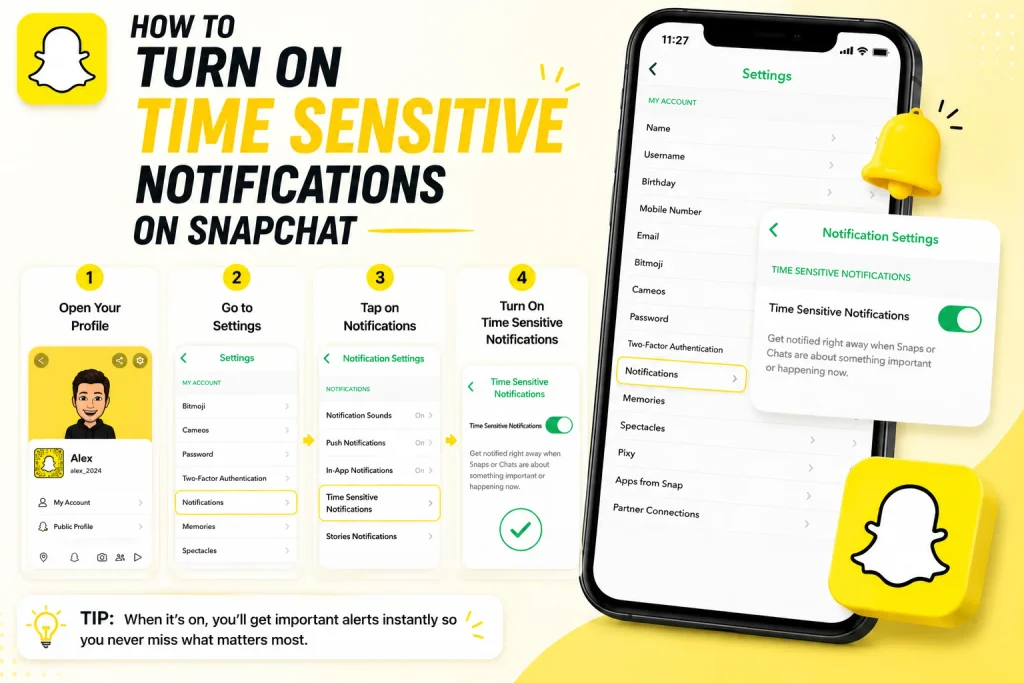
If you want to make sure you don’t miss important Snapchat alerts, especially during Focus Mode, you can manually enable time sensitive notifications.
iPhone Steps
On iPhone, enabling time sensitive notifications involves adjusting both Snapchat’s notification permissions and your Focus Mode settings so the app is allowed to send priority alerts.
- Go to iPhone Settings and select Notifications
- Scroll down and tap on Snapchat
- Make sure notifications are allowed and enabled
- Go to Settings, then Focus, and select your active Focus Mode
- Add Snapchat to the allowed apps list under that Focus Mode
- Confirm time sensitive notifications are toggled on for the app
Android Steps
On Android, the process is similar but happens through the phone’s app notification settings, since Android handles priority notifications slightly differently across devices.
- Open your phone’s Settings app
- Tap on Apps, then select Snapchat
- Tap on Notifications within the app settings
- Ensure all relevant notification categories are turned on
- Check Do Not Disturb settings for priority app exceptions
- Add Snapchat to any priority or allowed apps list if available
How to Turn Off Time Sensitive Notifications on Snapchat
On the other hand, if you’d rather not have Snapchat notifications interrupting your Focus Mode or quiet settings, you can just as easily turn this feature off.
iPhone Steps
Turning off time sensitive notifications on iPhone means removing Snapchat’s ability to bypass your Focus Mode or notification restrictions, keeping your phone quieter when needed.
- Open Settings and go to Focus
- Select the Focus Mode you want to adjust
- Tap on Apps under that Focus Mode’s settings
- Remove Snapchat from the allowed time sensitive apps
- Alternatively, go to Notifications settings for Snapchat
- Turn off the time sensitive notification toggle directly
Android Steps
On Android, disabling this feature usually involves adjusting notification priority settings directly within the app’s permissions on your device.
- Open your phone’s Settings app
- Go to Apps and select Snapchat
- Tap on Notifications for the app
- Turn off any priority or urgent notification categories
- Check Do Not Disturb exceptions and remove Snapchat if listed
- Save changes to apply the updated notification behavior
What Do People on Reddit Say About Time Sensitive on Snapchat?
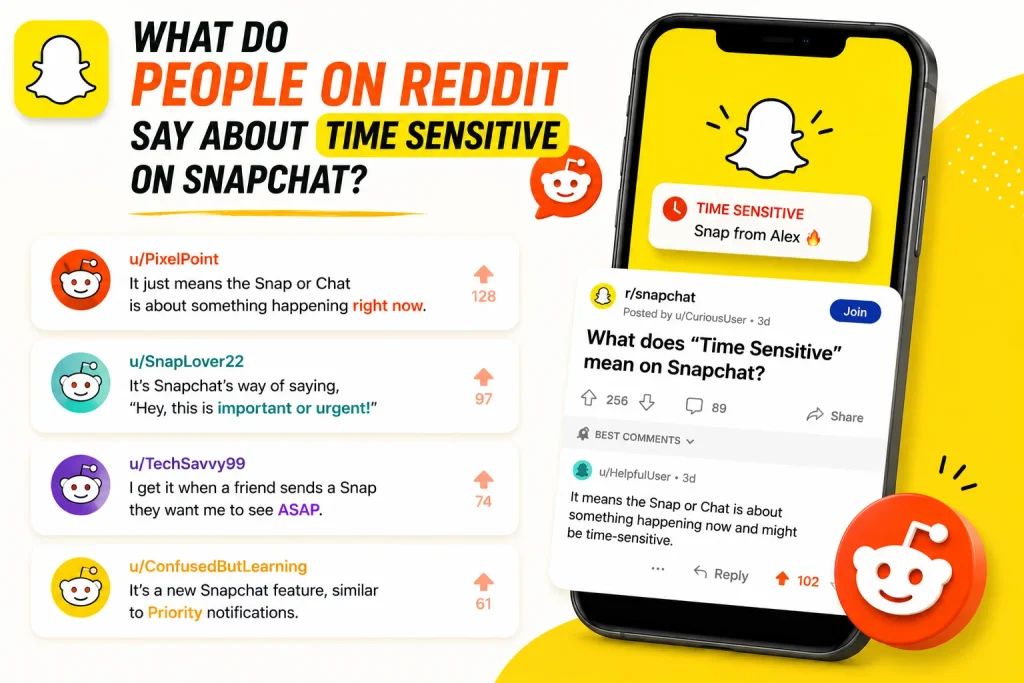
Online communities like Reddit are full of users asking the same question, often because the label appears unexpectedly and without much explanation from Snapchat itself.
Common Confusions Users Report
Many Reddit threads show users assuming the time sensitive label means something specific about the sender’s intent or urgency, when in most cases it’s simply a routine notification classification applied by the phone’s operating system.
- Users often mistake it for a special message flag
- Some assume it means the sender marked it as urgent
- Others think it’s tied to Snapchat’s own internal system
- Confusion is common right after enabling Focus Mode
- Many threads clarify it’s an iOS or Android feature
- Discussions often reference Apple’s notification categories
Does It Mean You’re Being Watched or Tracked?
No, despite some speculation online, time sensitive notifications have nothing to do with being tracked, monitored, or watched. It’s purely a notification delivery setting, unrelated to location sharing, read receipts, or any other privacy-related feature on Snapchat.
- Not connected to Snap Map or location sharing
- Unrelated to read receipts or opened status
- Doesn’t reveal any additional data about your activity
- Not a hidden tracking feature within the app
- Purely a notification delivery classification
- Confirmed by multiple community discussions and guides
Does Time Sensitive Mean Something Different on Other Apps?
Since time sensitive is a system-level notification category rather than something unique to Snapchat, it’s worth understanding how the same label behaves across other apps you might use daily.
How It Compares to Messages, WhatsApp, and Instagram
Apps like Messages, WhatsApp, and Instagram can also mark certain notifications as time sensitive, following the exact same iOS or Android rules that Snapchat relies on. This means the label itself isn’t unique to Snapchat, and seeing it elsewhere on your phone confirms it’s a system feature rather than something specific to one app.
- Used by many messaging and social apps, not just Snapchat
- Follows the same iOS and Android notification rules
- Doesn’t indicate anything unique about Snapchat’s design
- Helps confirm the label is a system-wide feature
- Can be managed the same way across different apps
- Useful to compare if you’re unsure why it’s appearing
Why This Matters for Troubleshooting
Understanding that this label works the same way across apps can help you troubleshoot notification issues more effectively, since the fix usually lives in your phone’s settings rather than inside Snapchat itself.
- Confirms the issue is a phone setting, not an app bug
- Means the same fix often works across multiple apps
- Helps avoid unnecessary app reinstalls or cache clearing
- Points you toward Focus Mode or notification settings first
- Useful when comparing notification behavior between apps
- Saves time when diagnosing missing or delayed alerts
Conclusion
Time sensitive on Snapchat isn’t a mysterious or alarming feature it’s simply a notification category built into iOS and Android that helps important alerts reach you even when Focus Mode or Do Not Disturb is active. Whether it’s showing up on a snap, a chat message, or a streak reminder, the label only affects how the notification is delivered, not what it means about the sender or the content itself. The same category appears across other apps like Messages, WhatsApp, and Instagram, which confirms it’s a system-wide feature rather than anything unique to Snapchat. Now that you understand what triggers it and how to turn it on or off on both iPhone and Android, you can manage your Snapchat notifications exactly the way you want.
What does time sensitive mean on Snapchat notification?
It means the notification has been categorized by your phone’s operating system as important enough to bypass certain silent settings, such as Focus Mode.
Does time sensitive mean someone opened my snap?
No, it has nothing to do with whether a snap was opened or read; it only affects how the notification is delivered to your device.
Why does my Snapchat say time sensitive?
This usually happens because of an active streak, a new snap from a close friend, or a message notification that Snapchat has flagged as a priority alert.
How do I turn off time sensitive notifications on Snapchat?
You can turn it off through your phone’s Focus Mode or notification settings by removing Snapchat from the allowed time sensitive apps list.